Case Study 01 · Fintech · Mobile · Compliance-Led
5 min read
Mandate Access
Granting a partner access to the access bond on a joint home loan meant a branch queue or a call centre hold, to authorise something on an account the customer already owns. Mandate access is requested 6,343 times a year.
Overview and Impact
Problem
A customer who needed to grant or manage mandate access on the access bond of a joint home loan had two options: go into a branch, or call the service centre. Both depended on staff availability, branch hours and queue times, for an administrative action on their own account.
Outcome
The Problem & The Goal
The Challenge
Granting mandate access on the access bond of a joint home loan is an administrative action a customer takes on their own account. It required going into a branch or waiting on a phone line.
Beyond the time cost, the process gave customers no visibility. Once paperwork was submitted, there was no way to check whether a mandate was active, pending, or had been actioned at all.
Objectives
- Move the full process into the app — request, grant, revoke and track.
- Meet every legal and regulatory requirement — consent that holds up under scrutiny.
- Give customers status visibility — which the paper process never provided.
- Reduce operational cost and call volume — in line with the bank's digital strategy.
Discovery and Research
Mapping what the process actually cost
I mapped the branch and call centre process in full and put it in front of the stakeholders who had stopped noticing it. Branch delays, paperwork confusion, and no visibility into mandate status once submitted.
Seeing it laid out as a journey created the alignment to push for a genuinely different solution, rather than a digitised version of the same friction.
Mapping both sides
The journey had to work for two people: the participant requesting the mandate, and the second participant granting access.
Mapping both showed where a digital solution could deliver the most value.
Flows & Technical Feasibility
Designing the flows
Once stakeholders aligned on the journey maps, I designed multiple flow options covering the full range of mandate scenarios.
Feasibility in parallel, not after
I worked directly with the solution architect to run an impact assessment early — which parts of the mandate process could be digitised on the existing stack, and what needed backend development or legal adaptation.
That shaped the design scope instead of becoming a checkpoint after the design was finished.
Designing the Mandate System
Designing inside the constraints
Using the app design system, I produced wireframes covering the core flows, consent mechanisms, error states and success messaging. Working sessions with legal and compliance at each stage kept the interface compliant without making it unusable.
The core design
A self-service mandate management system inside the mobile app. Joint account holders can request, grant and revoke access bond mandates without calling the service centre or going into a branch.
For anyone registered for digital banking, that is full ownership of a process that used to need a trip to the bank.
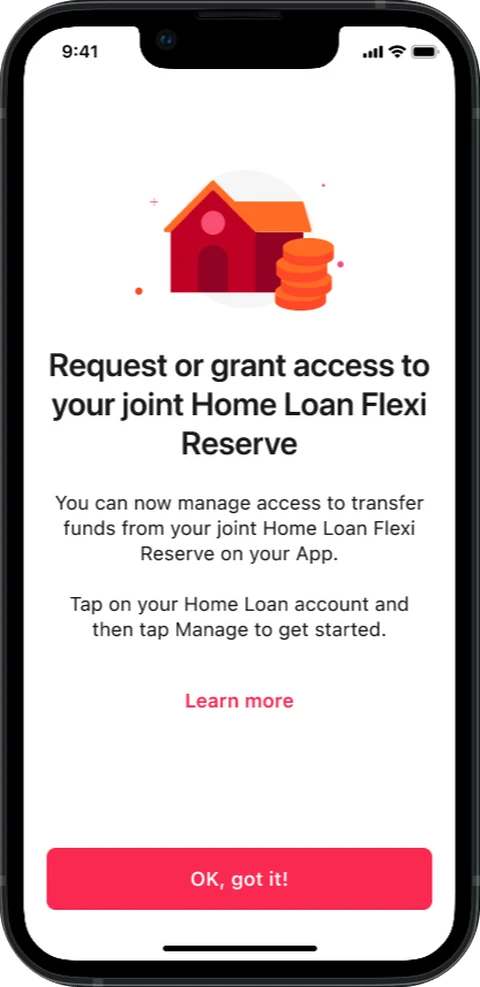
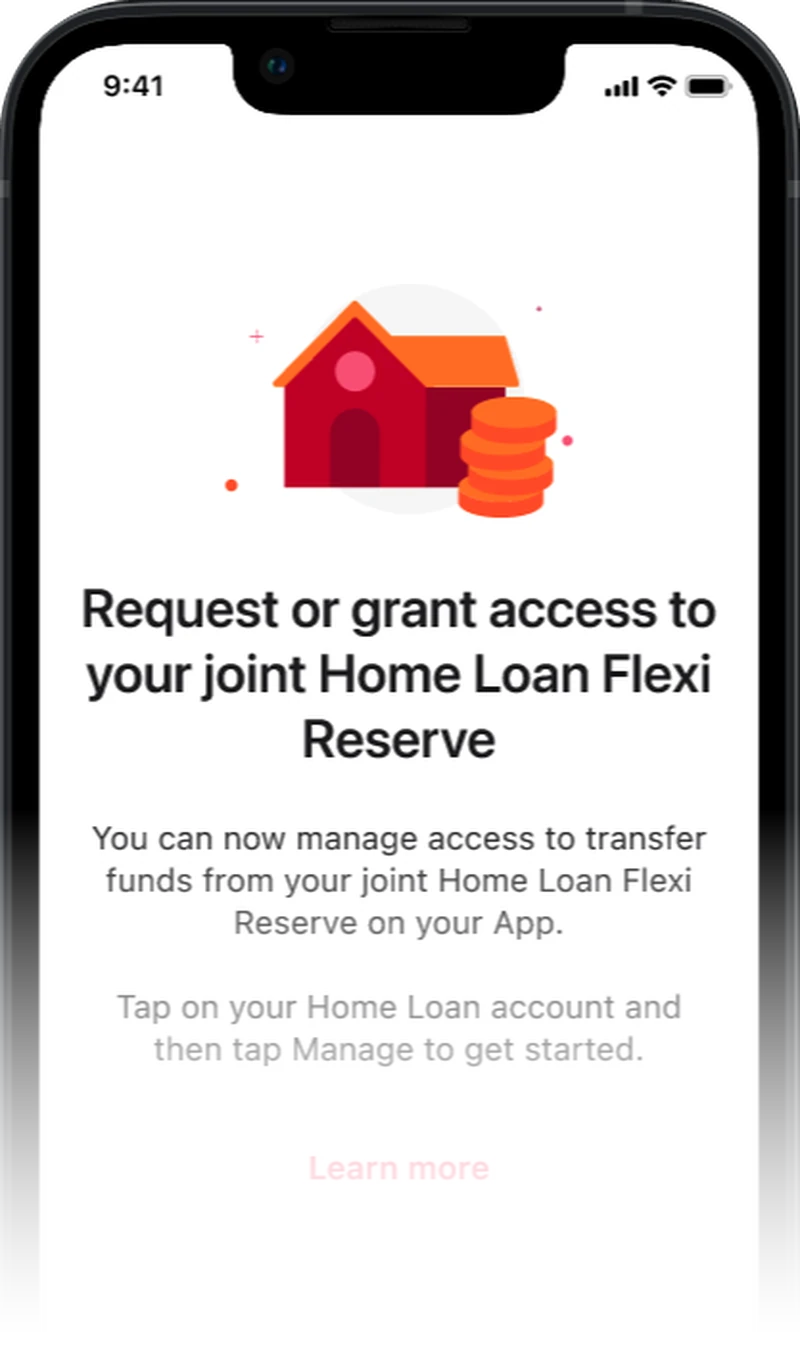
01 — What's NewThe feature announcement: what mandate access is, and where to start.
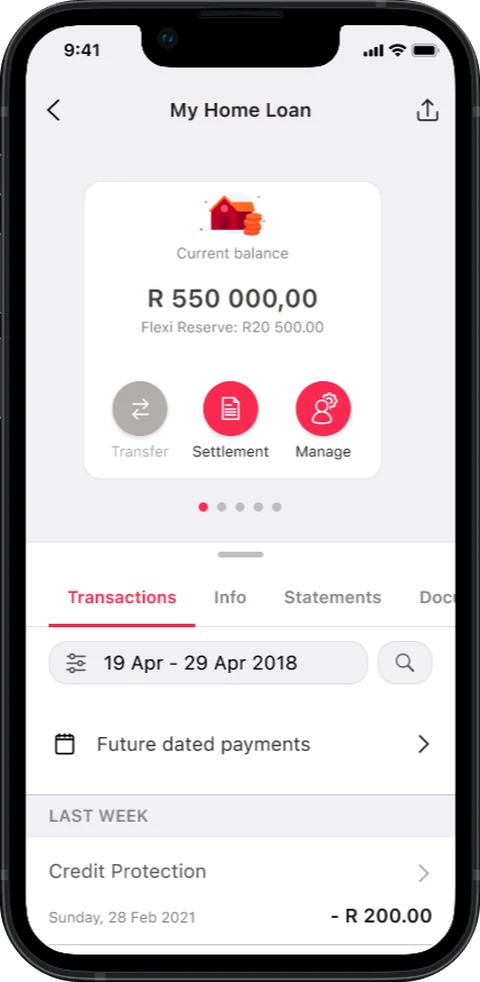
02 — Home Loans HubA floating Manage button, placed for easy learnability.
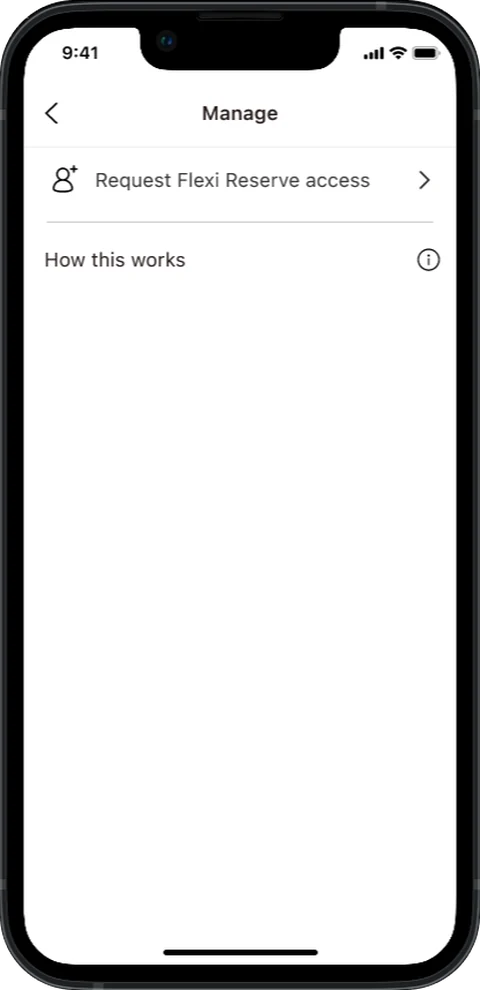
03 — ManageButtons appear only when an action is available.
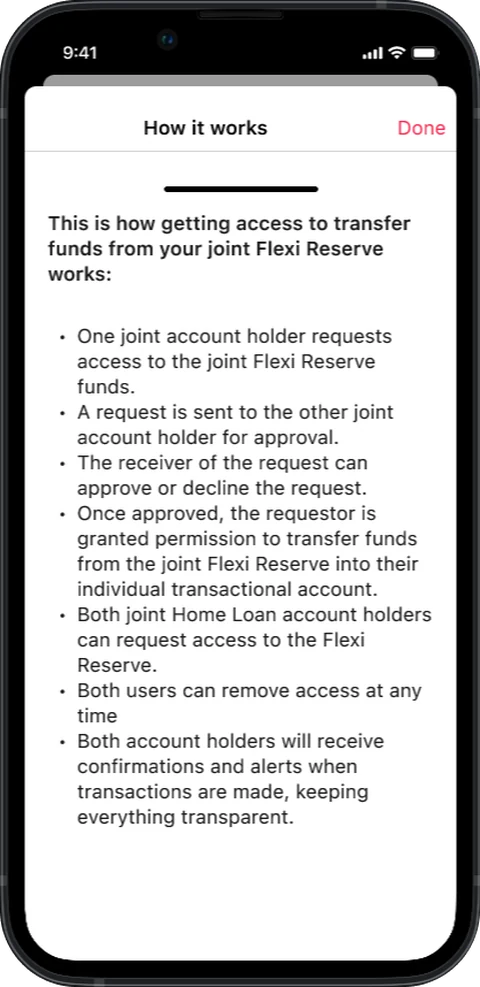
04 — How It WorksA drawer explaining mandates, for anyone who needs it.
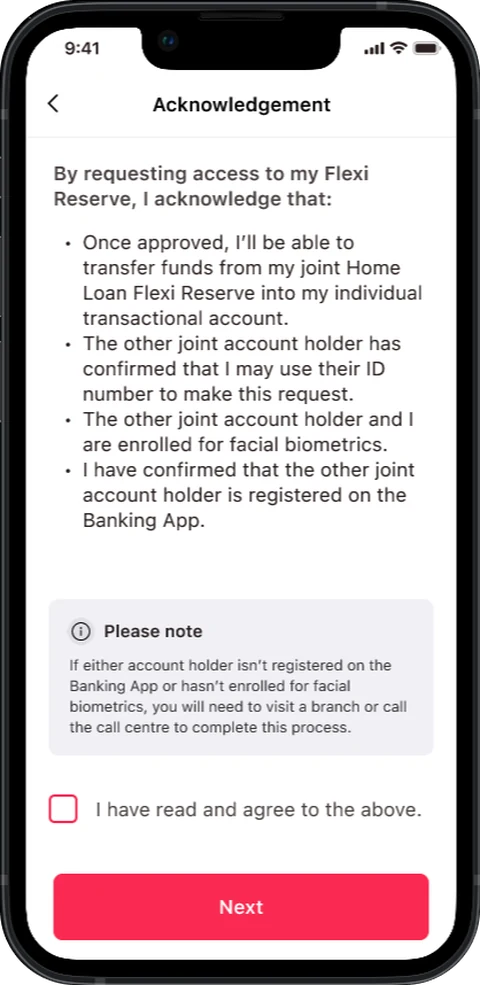
05 — AcknowledgementThe customer acknowledges mandate access before continuing.
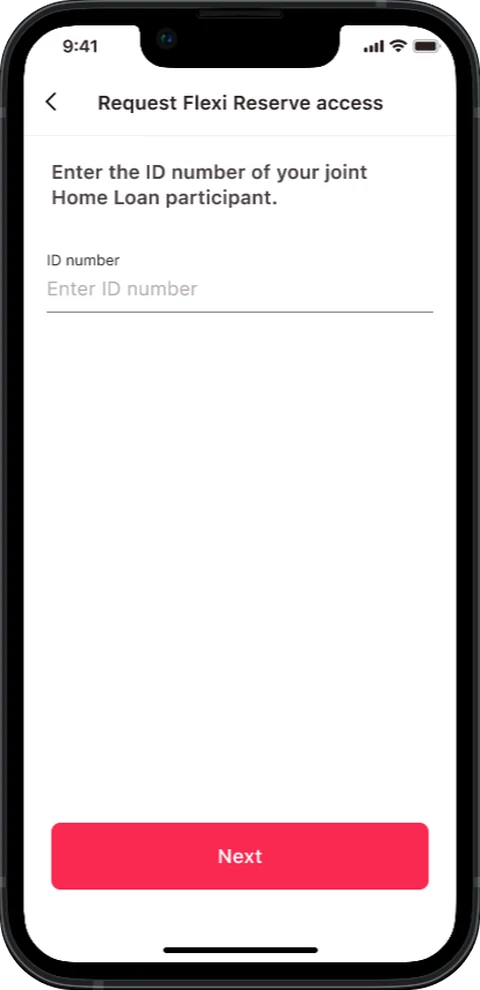
06 — Participant DetailsA single field. The joint participant is identified by ID number.
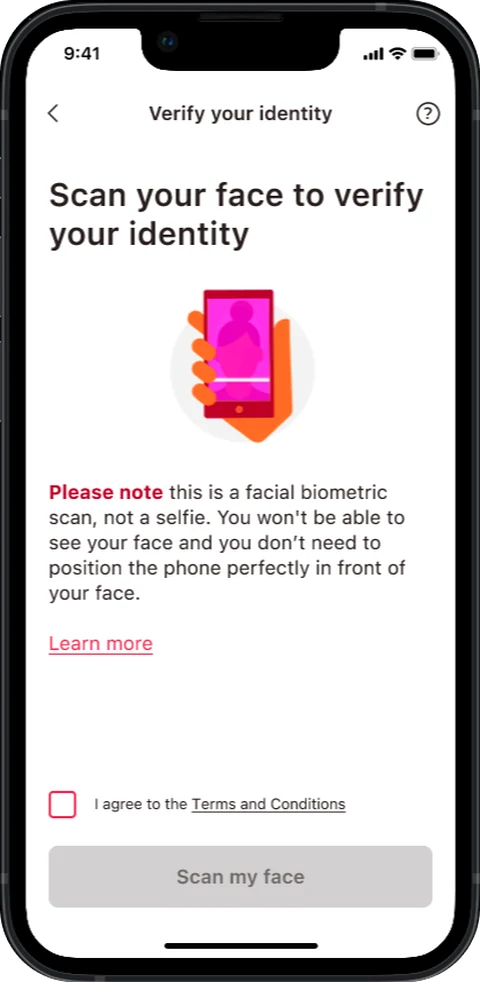
07 — Verify IdentityA security step: facial biometrics confirm who the customer is.
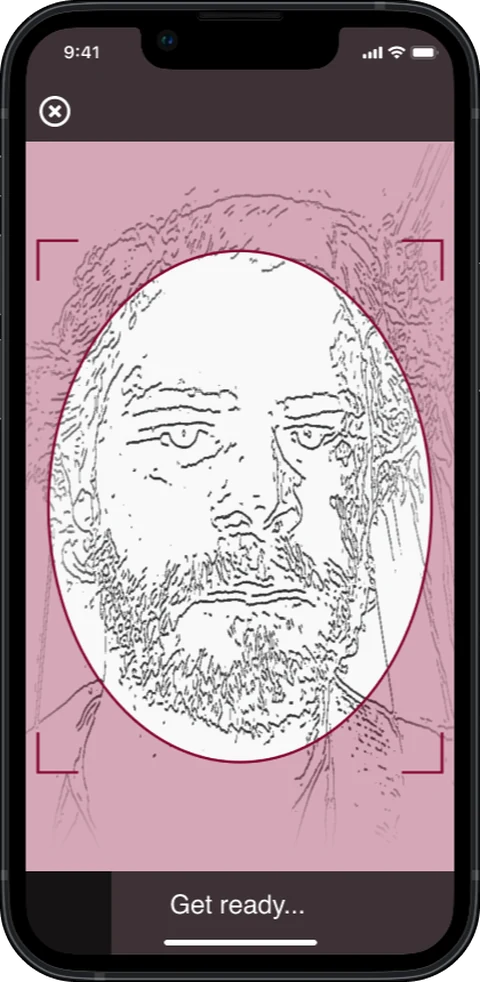
08 — Facial BiometricsThe live scan, run by the bank's existing biometric service.
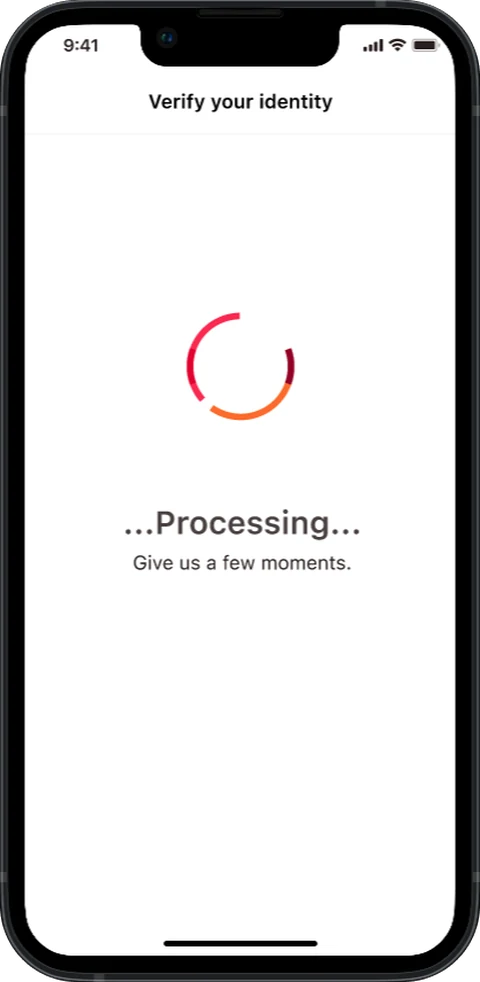
09 — ProcessingA loading state, so the customer knows the service is working.
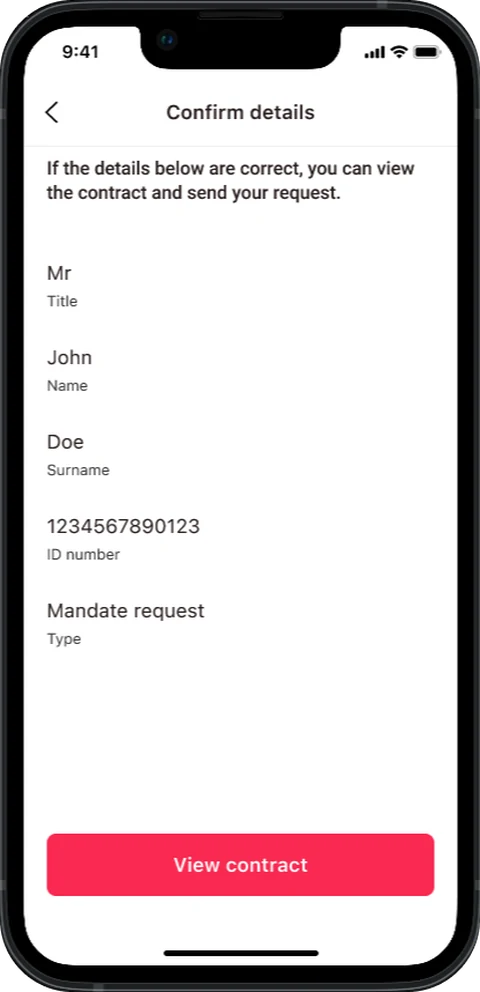
10 — Confirm DetailsConfirm the partner's details before the request becomes binding.
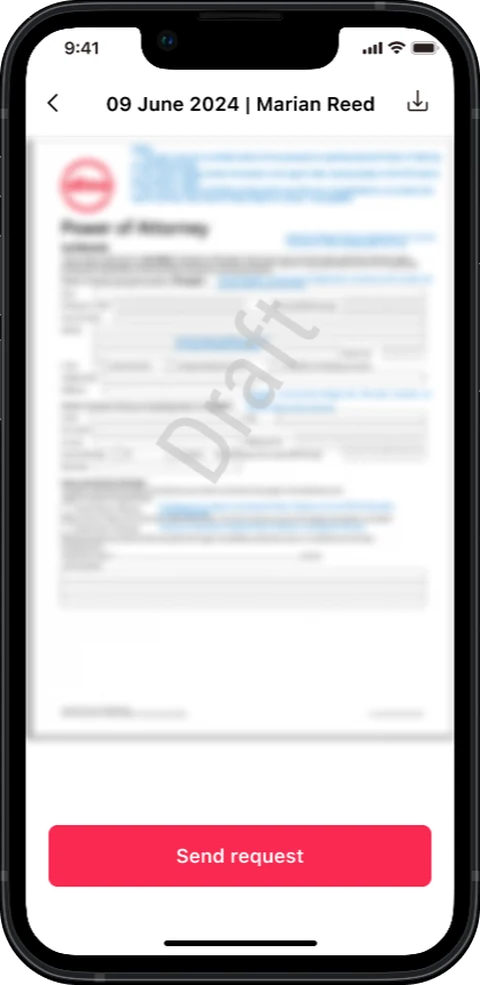
11 — View ContractThe contract, surfaced and pre-populated by DocFusion.
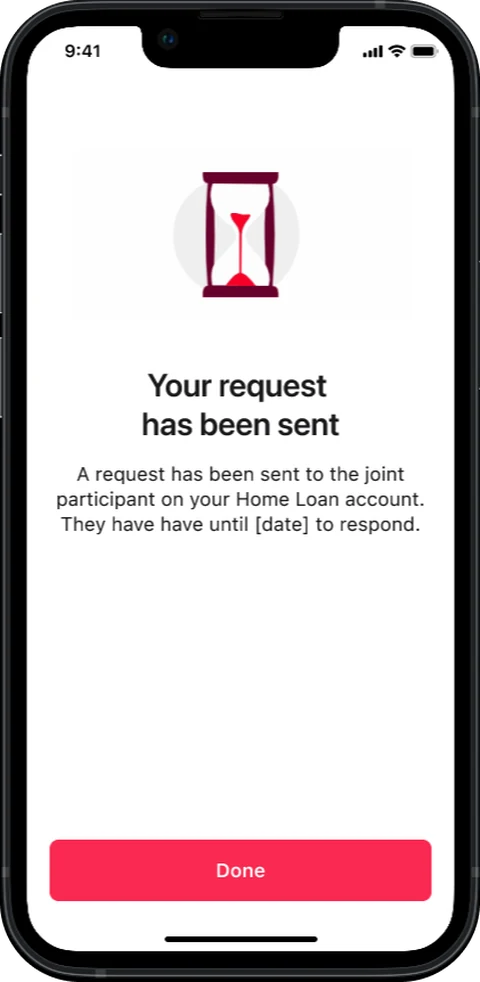
12 — Request SentConfirmation, with the deadline for the other party to respond.
↔ Drag to move through the flow · 12 screens
Impact and Lessons
Results
The journey is live on iOS and Android. Requests that used to mean a branch queue or a call centre hold are now completed in the app.
The customer can see the status at every step — the one thing the paper process never gave anyone.
Lessons
Good solutions come out of teams, not handovers. As the designer on a regulated project, legal, compliance and technical were in the room throughout. Working in cohesion with them is what made a viable solution possible.
Good design is iterative. The first solution is rarely the right one. Testing and refining until it actually works is the part that matters.
Have a go yourself
A workable prototype, running right here — not a video and not a slideshow.
- Log in as Marian Reed.
- Open the Home Loan account.
- Tap Manage.
- Request mandate access from the joint participant.
The interactive prototype is desktop-only — open this page on a larger screen to try it.