Case Study 04 · Fintech · Conversational UX
4 min read
WhatsApp Integration
Applying for a home loan is intimidating, especially if it is your first time. Plenty of people stop partway through. The bank’s only way back to those people was an SMS and an email that arrived days later, by which time the moment had passed.
Overview and Impact
Problem
The bank’s re-engagement ran on SMS and email, and both only fired halfway through the application journey. Anyone who stalled before that point was never contacted at all. No reminder, no offer of help, nothing.
Outcome
The Challenge and the Objectives
The Challenge
Most home loan applicants don’t abandon because they’ve changed their mind. They abandon because the moment gets hard — a document they don’t have on hand, a field they’re not sure how to answer, a step that needs a detail they’ll have to go and find.
Existing re-engagement couldn’t reach those moments. It fired on a schedule, not on behaviour.
Objectives
- Reach people at the moment of friction — not at a fixed point in the funnel.
- Match the message to the customer — different drop-off behaviour needs different content and timing.
- Stay compliant and non-intrusive — every message governed by Meta’s Business Messaging Policy.
- Prove it inside three months — scoped as a Proof of Concept with a defined window.
Discovery and Research
What I did
Before designing anything, I mapped the existing journey end to end — every digital touchpoint, and where in the funnel the SMS and email triggers fired. Then I went through the home loan application analytics page by page, rather than looking at the funnel as a single conversion number.
The question wasn’t just when customers dropped off. It was where intervention would actually be effective. Usability testing ran alongside the analytics, so both drop-off points were backed by quantitative and qualitative evidence.
Key insights
Two pages surfaced immediately as the highest-friction moments in the entire application.
- Property Details — applicants without an offer to purchase stalled here, with nothing prompting them to return once they had one.
- Document Upload — documents had to be gathered offline, so the application stalled while people went to find them.
Conversational Design & Compliance
Designing the conversation
I designed 12 conversational pieces, each mapped to a specific moment and a specific customer state rather than a single generic nudge.
Three of the twelve:
Working inside Meta’s policy
WhatsApp is Meta’s platform: every template — its exact copy, format and permitted interaction pattern — is submitted and approved before it reaches a customer.
Certain conversation types can’t be initiated freely, template copy has hard limits, and patterns that feel natural to a designer get flagged. Getting all 12 approved was a design discipline in its own right.
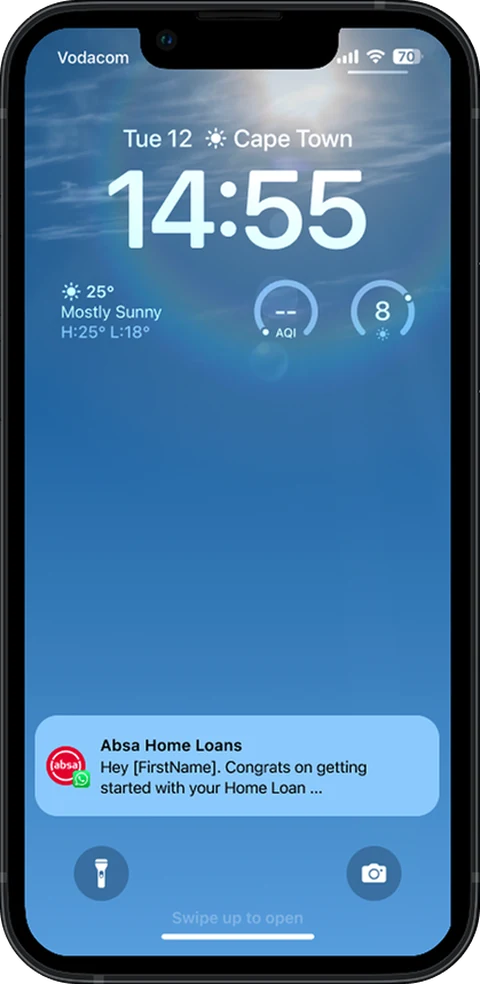
01 — Push NotificationWhere the conversation starts: a push notification.
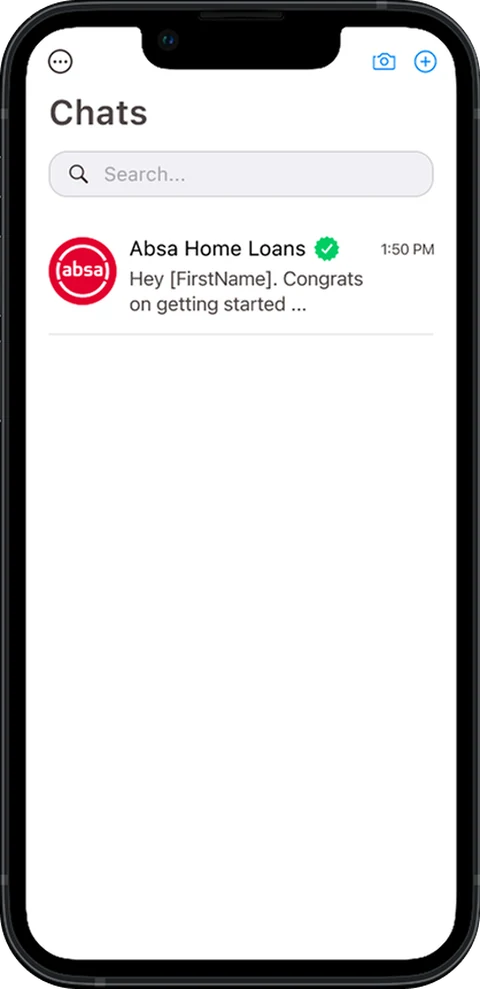
02 — Chats ListA verified business account in the chats list.
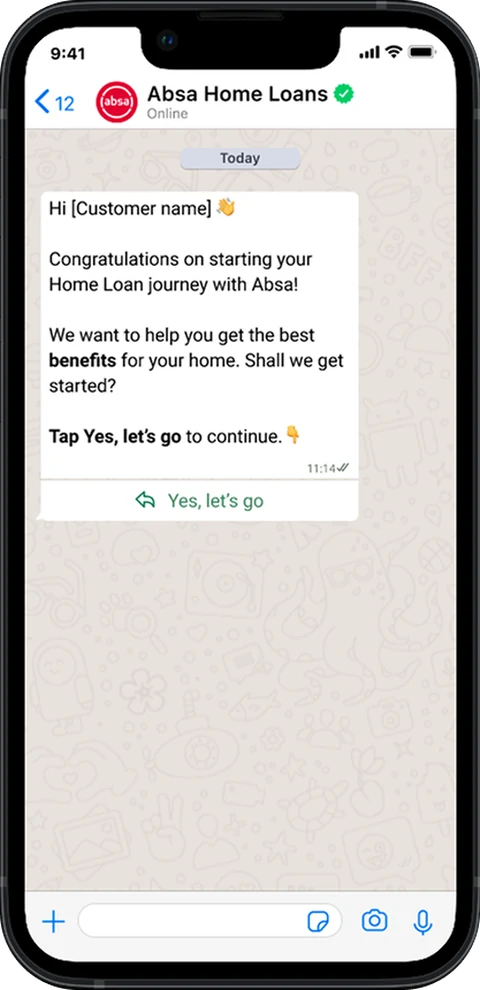
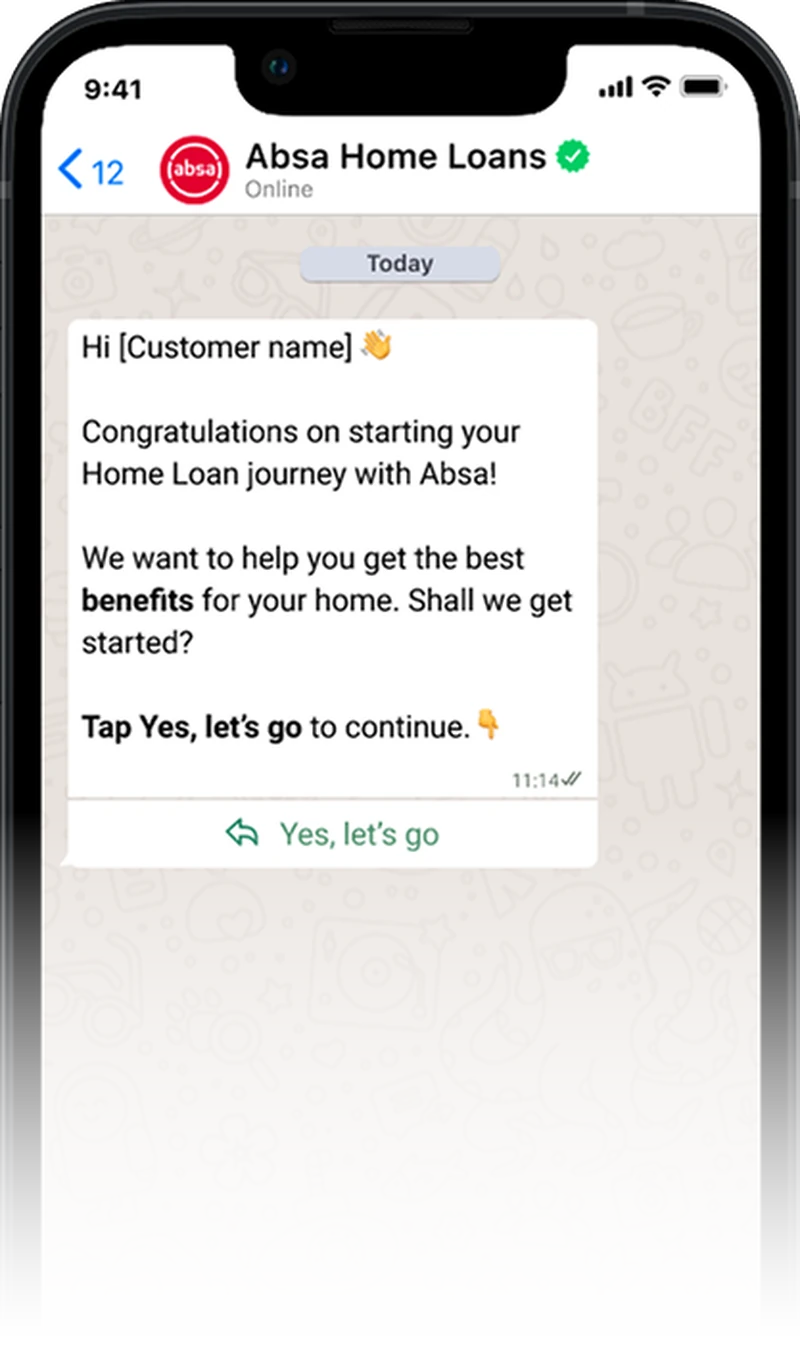
03 — Opening MessageA greeting and one tappable reply.
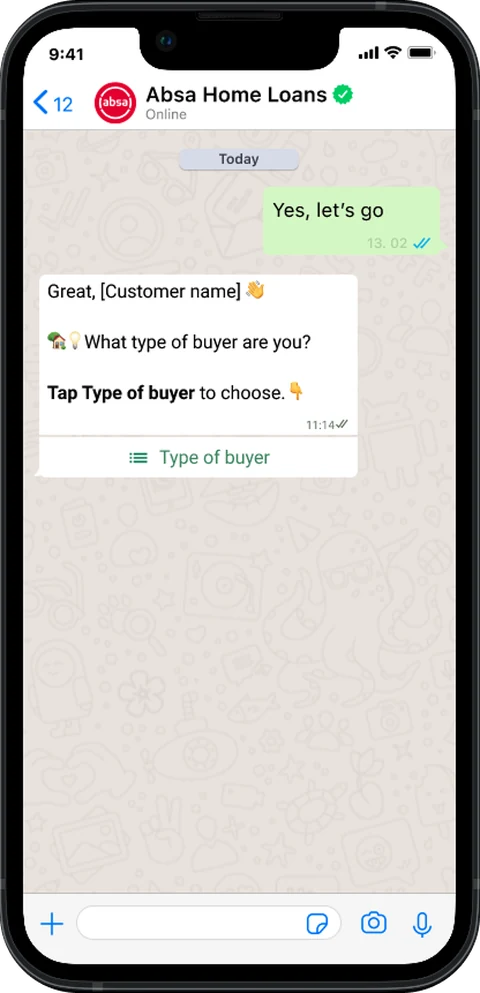
04 — Buyer TypeOne question that decides the branch.
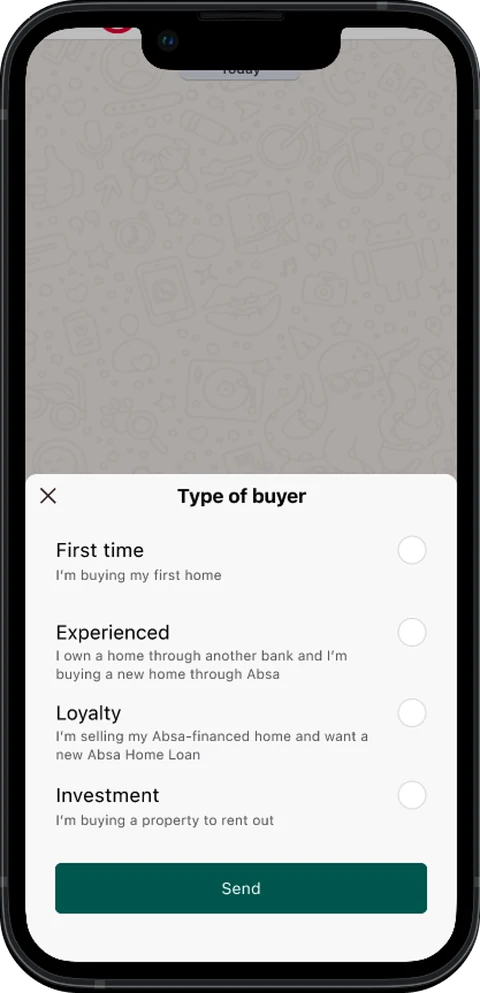
05 — Type PickerA native list sheet, not free text.
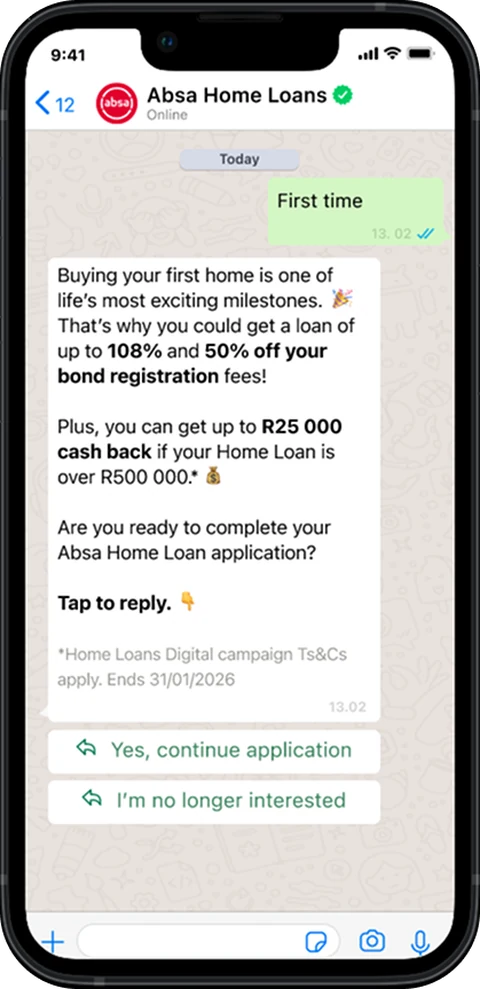
06 — First-Time BranchThe first-time buyer branch, with an exit.
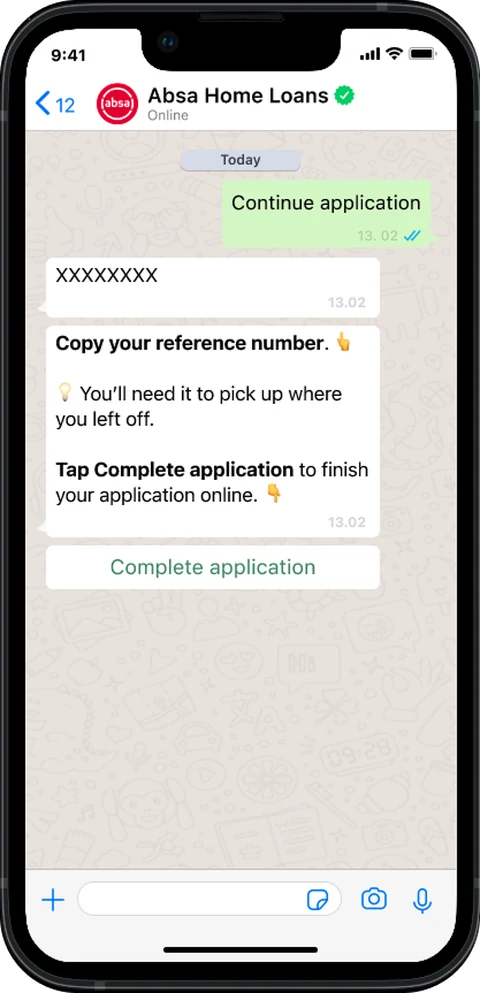
07 — Reference NumberThe reference number, sent as its own message.
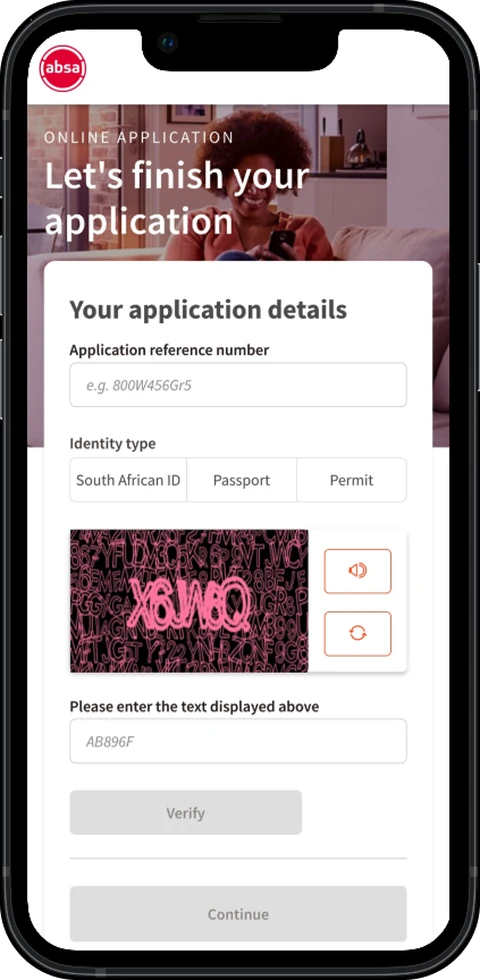
08 — Back to the ApplicationThe handoff back into the application.
↔ Drag to move through the conversation · 8 screens
Impact and Lessons
Results
The Proof of Concept concluded on schedule and delivered the uplift it set out to test.
The two drop-off points identified at the start proved to be the highest-leverage moments to intervene, which validated the page-by-page approach over a single funnel view.
Lessons
Know Your Customer pre-population was scoped out, not designed out. Pre-populating the application for existing customers takes real work off the person filling it in, and it is the first thing I would activate in a full rollout. The uplift was achieved without it.
Conversational UX isn’t simpler than interface UX. Take away the screen and the complexity doesn’t disappear. It moves into language, timing and flow logic.
Have a go yourself
A workable prototype, running right here — not a video and not a slideshow.
- Open the notification.
- Tap into the chat.
- Pick a buyer type.
- See the branch that customer would actually receive.
The interactive prototype is desktop-only — open this page on a larger screen to try it.